Scam category
Email phishing scams
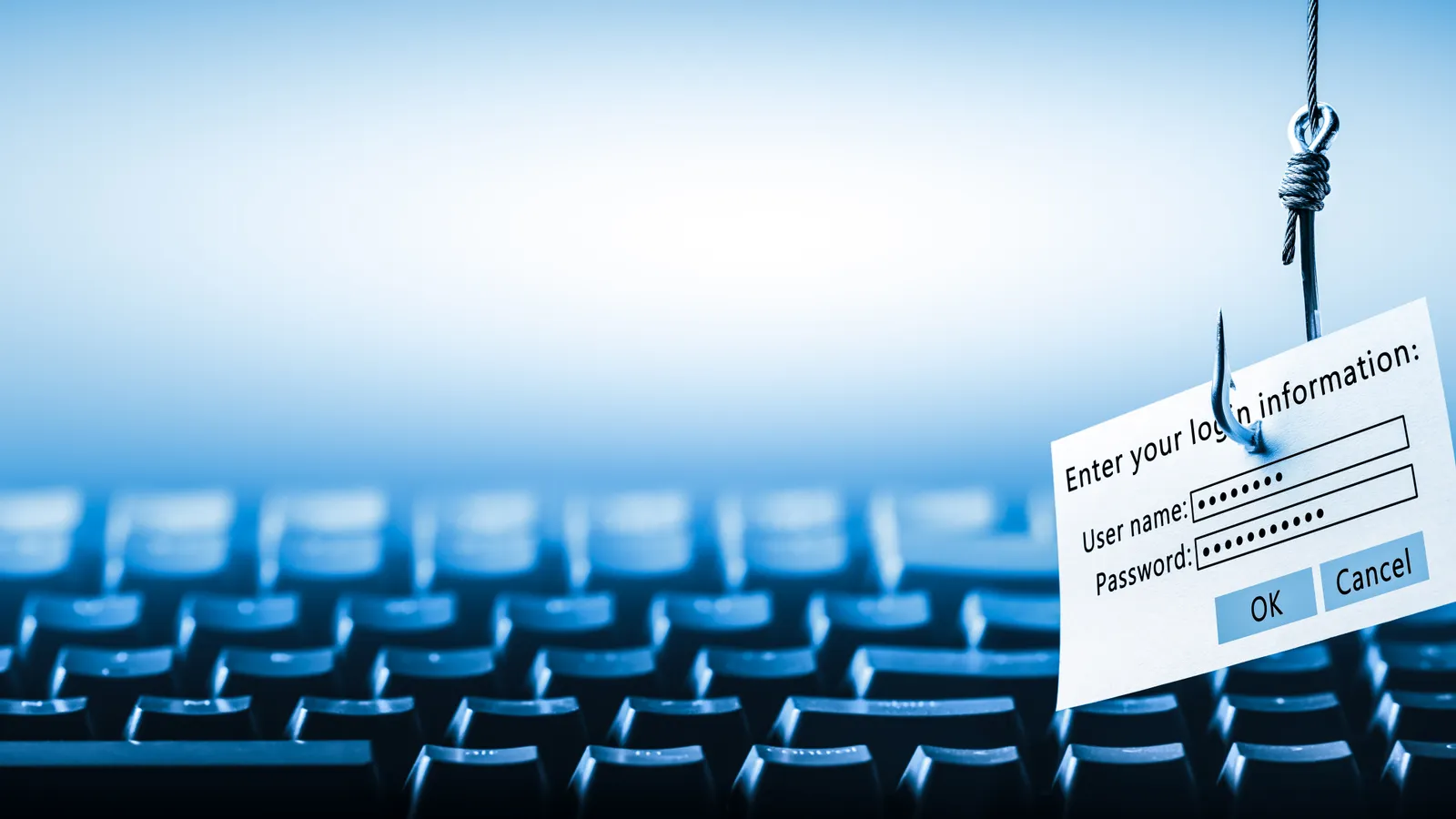
Email phishing is the gateway to most online fraud. Attackers send emails that mimic banks, employers, software providers, or government agencies, directing victims to fake login pages that capture credentials in real time. Spear phishing targets specific individuals using personal details scraped from social media or data breaches.
Category activity
“phishing email”
↑ 215%Watch for
- The email asks you to verify your account, confirm your identity, or reset your password through an embedded link.
- Hovering over links reveals a URL that does not match the company's official domain.
- The email contains generic greetings, spelling errors, or formatting inconsistencies that differ from real communications.
Common searches
OpenScam · Live feed
OpenScam News Feed
Live reports from government agencies, cybersecurity researchers, and consumer watchdogs that match email phishing scams.

CEO urgent request phishing scam
An email appears to come from a company executive urgently requesting a wire transfer, gift card purchase, or sensitive data, exploiting the recipient's desire to comply with authority.
Always verify unusual financial or data requests through a separate communication channel — call the executive directly.
Office workers
U.S.
password reset phishing scam
A fake password reset notification urges the recipient to click a link and enter their current credentials, which are captured by attackers.
Never click password reset links you did not request — navigate directly to the service's website.
Office workers
U.S.
shared document notification phishing scam
A fake notification claims someone has shared a document with you via Google Drive, OneDrive, or Dropbox, leading to a credential-harvesting login page.
Hover over the link to inspect the URL before clicking — legitimate shares come from official domains.
Office workers
U.S.
invoice attachment malware scam
An email with a fake invoice attachment installs malware when opened, giving attackers access to the victim's computer and network.
Never open attachments from unknown senders — verify invoices by contacting the vendor directly.
Office workers
U.S.
account suspension notice phishing scam
A fake email warns that your email, bank, or streaming account will be suspended unless you verify your identity immediately, directing you to a credential-stealing page.
Log into your account directly by typing the URL in your browser — never use links from warning emails.
Office workers
U.S.
two-factor authentication bypass phishing scam
Attackers use real-time phishing toolkits to capture both passwords and two-factor authentication codes simultaneously, defeating standard MFA protections.
Use hardware security keys (FIDO2/WebAuthn) which are resistant to real-time phishing proxy attacks.
IT administrators
U.S.
email forwarding rule hijack scam
After compromising an email account, attackers silently create forwarding rules that copy all incoming messages to an external address, enabling long-term surveillance.
After any account compromise, immediately check your email rules and forwarding settings — remove anything you did not create.
Office workers
U.S.
calendar invite phishing scam
Attackers send calendar invitations containing phishing links in the event description or location field, which automatically appear in the victim's calendar.
Change your calendar settings to not automatically add events from email invitations.
Office workers
U.S.
unsubscribe link trap scam
Phishing emails include a malicious unsubscribe link that, when clicked, confirms your email address is active and leads to credential theft or malware installation.
Do not click unsubscribe in emails from unknown senders — mark the email as spam instead.
Office workers
U.S.
reply-chain hijacking scam
Attackers compromise an email account and insert malicious messages into existing email threads, exploiting the trust established in ongoing conversations.
Be cautious of unexpected attachments or links even in existing email threads.
Office workers
U.S.
PayPal unauthorized transaction email scam
A fake email alerts you to a large unauthorized PayPal transaction, urging you to click a link or call a number to dispute it — leading to credential theft or remote access fraud.
Check your PayPal account directly at paypal.com — if there is no matching transaction, the email is fake.
PayPal users
U.S.
PayPal fake payment confirmation scam
A buyer sends a forged PayPal confirmation email to a seller to make it appear that payment has been sent, tricking the seller into shipping goods before discovering no actual payment was received.
Never rely on email notifications alone — always verify payments by logging into your PayPal account directly.
Online sellers
U.S.
Teams meeting invite phishing scam
A fake Microsoft Teams meeting invitation arrives by email, and clicking the join link leads to a credential harvesting page disguised as the Teams login.
Hover over the meeting link before clicking to verify it points to a legitimate Microsoft domain.
Business professionals
U.S.
Outlook account suspended phishing scam
A phishing email warns that your Outlook or Hotmail account has been suspended for violating terms of service, urging you to verify your identity on a fake page.
Sign in to your Outlook account directly at outlook.com to verify its status — if you can log in, it is not suspended.
Email users
U.S.
OneDrive sharing notification phishing scam
A fake OneDrive sharing notification email claims someone shared a document with you, but the link leads to a credential-stealing page.
Verify the sender by contacting them through a separate channel before clicking any shared document link.
Business professionals
U.S.
Google Calendar invite spam scam
Scammers send unsolicited Google Calendar invitations containing phishing links or fake prize notifications that automatically appear on the victim's calendar.
Change your Google Calendar settings to only show invitations you have explicitly accepted.
Gmail users
U.S.
Google Workspace admin phishing scam
IT administrators receive fake Google Workspace notifications about policy changes, license issues, or security alerts, leading to admin credential theft.
Access the admin console directly at admin.google.com — never through email links.
IT administrators
U.S.
Related categories